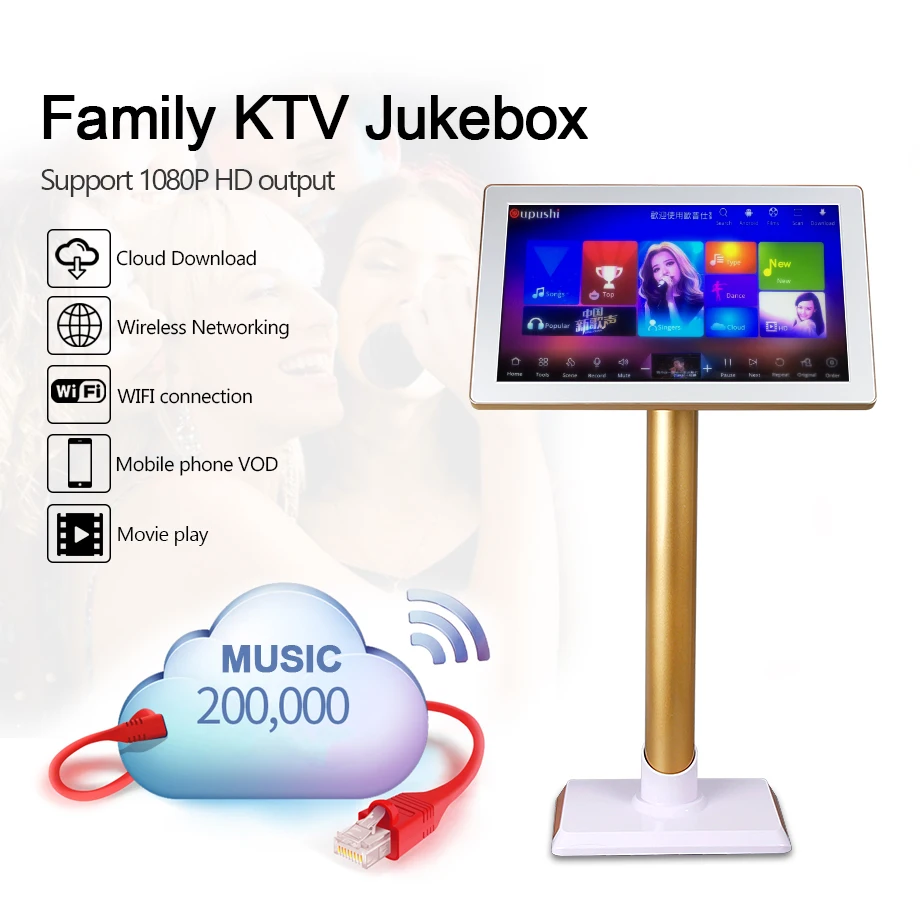
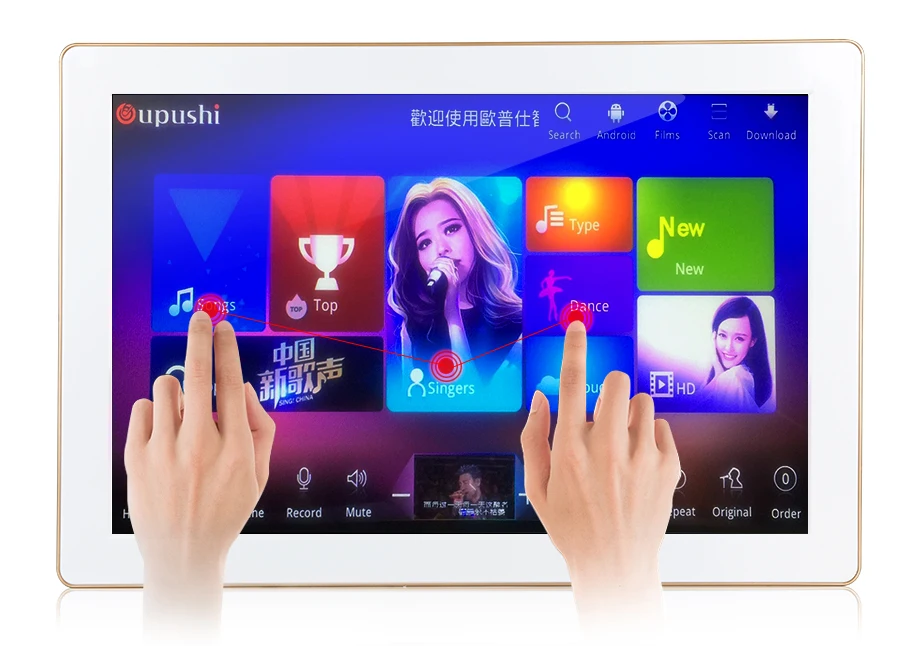
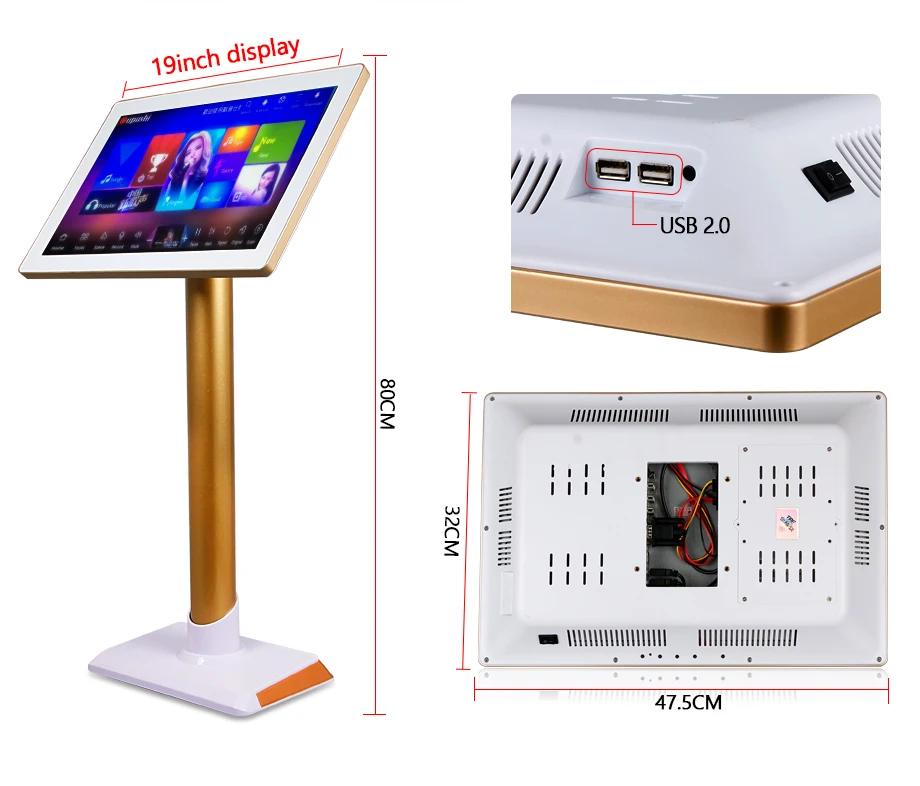
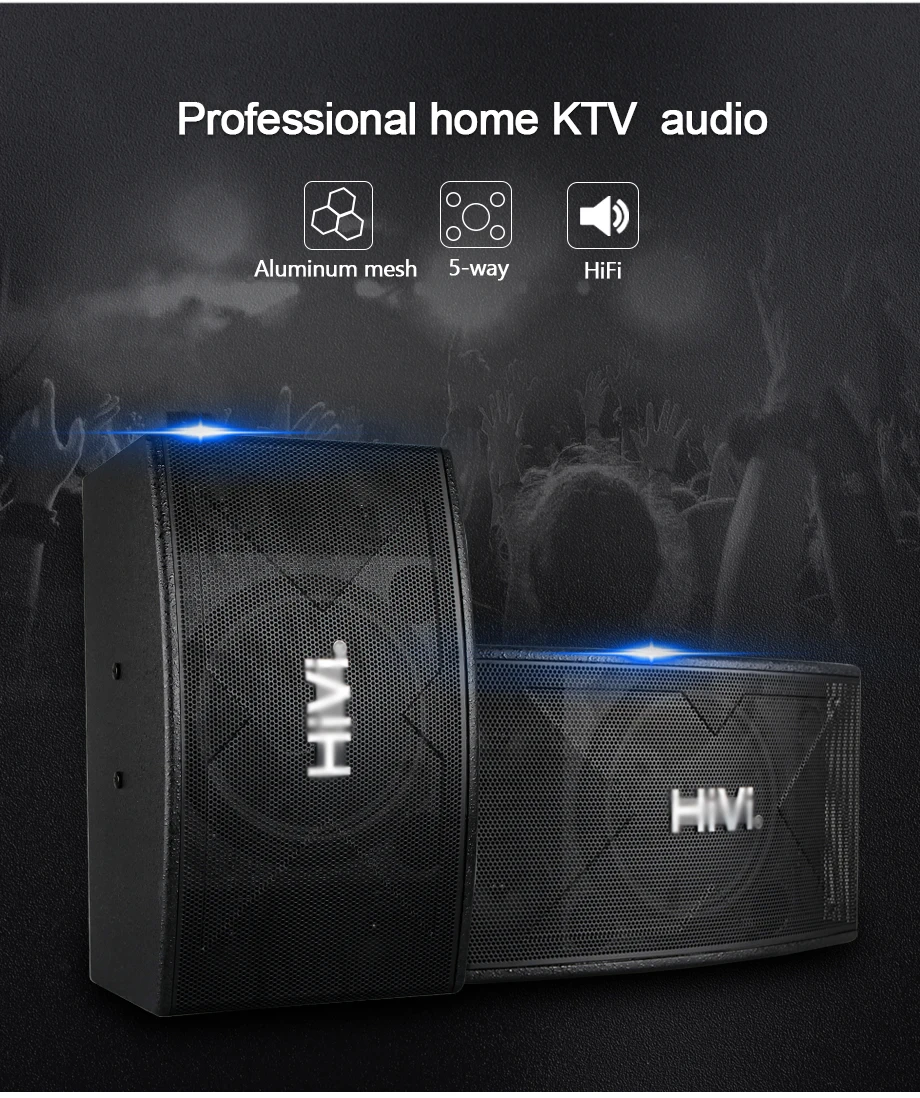
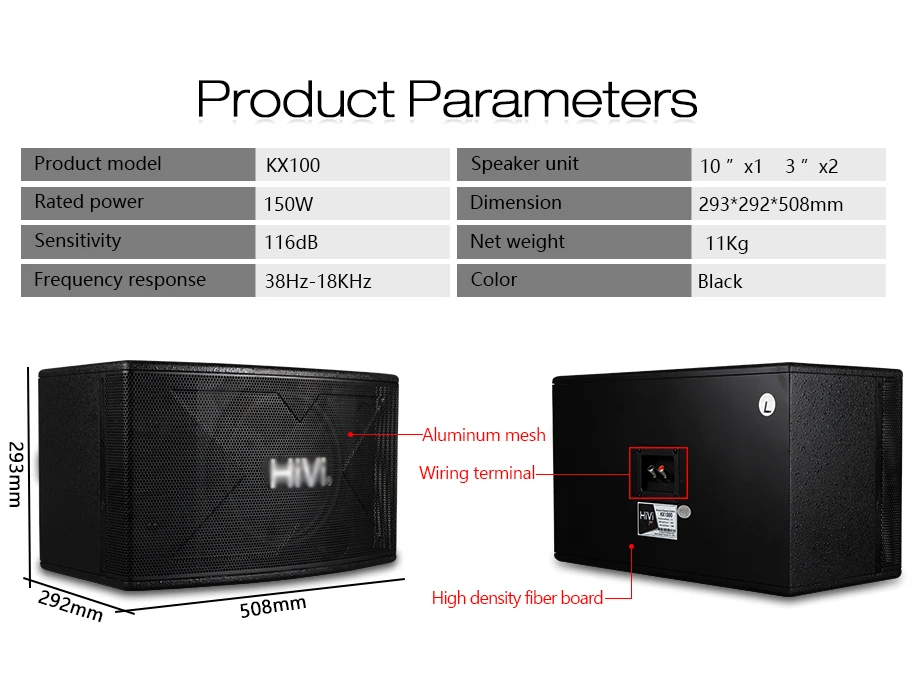
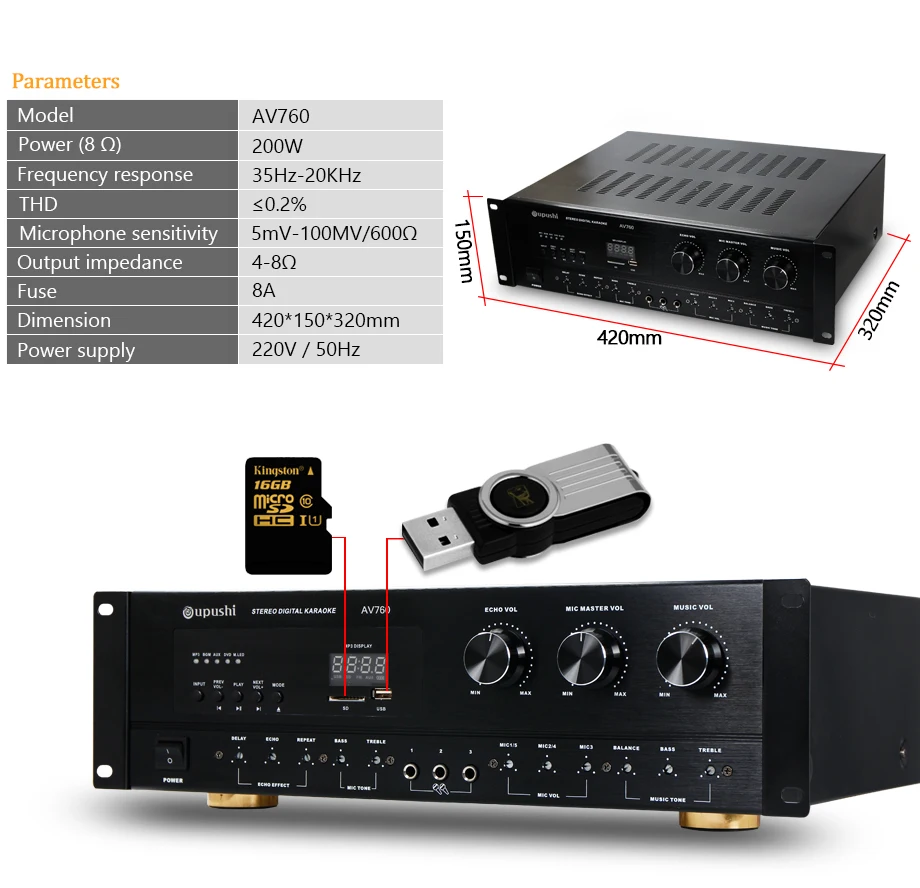
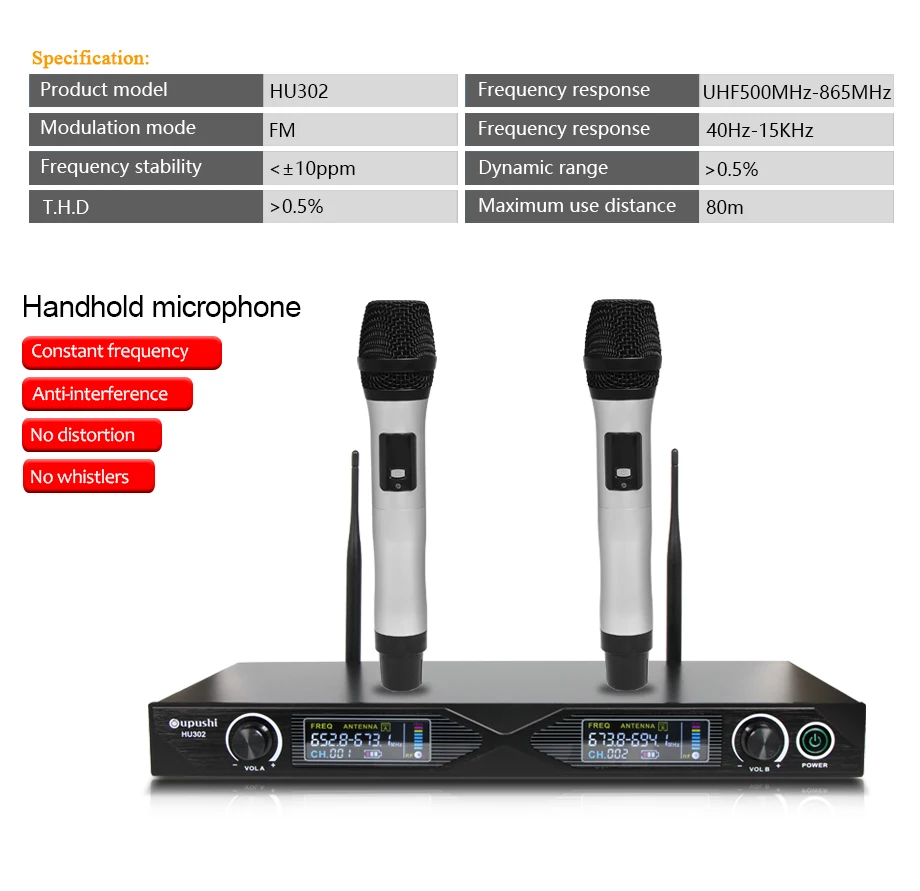
Family Karaoke Party ktv player system 4 TB HD + 10 inch speaker + 19 " touch screen w / song + power amplifier
Sale price
Price
€5.982,15
Regular price
€7.976,20
Unit price
per
Family Karaoke ktv player system 4 TB HD 10 inch speaker 19 " touch screen w / song power amplifier free shipping

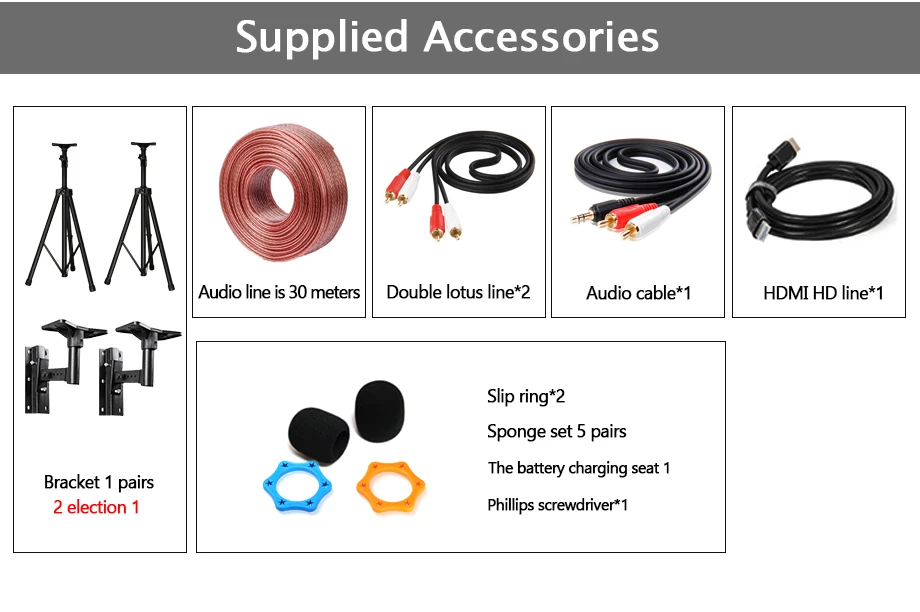
1: remote control
2: Manual
3: Power Sequencer
4: Audio cable
5: warranty card
6 certificate of quality
VOD system management
Click on the tools below the home page to get into the background admin page. Enter the interface, you need to enter the password, and the default password is 123456
1 、Choose song setting
Can view the storage device (such as a USB) in the state of song library; and antiphonal library changes
The main function : single add song, batch add song; delete songs; modify song; public broadcasting; cloud database management
1(1)Single add song
User can find favorite songs and copied to the USB and other storage devices; then it is connected to the host; click on the single song to select the songs that need to be added; then edit the name of the song. type and so on; you can add songs to your native
1(2)Batch add song
The batch of songs (song list format and directory name must comply with the requirements of the machine) into USB or other removable storage devices, then the mobile storage device is connected to the karaoke machine; click on the button (for batch song copied songs) is automatically added to the machine (copy songs contact the supplier)
1(3)Modify song
To add songs or add songs through the songs library; can be edited through"song modify”
1(4)Delete songs
Remove the songs that needn’t any more through “ delete”
1(5)Cloud library settings
You can configure cloud songs to see through the cloud library settings interface
1(6)Public broadcasting
User can select or change songs that are played by default after the boot, and you can choose one or more songs
2、 Password settings
Password management interface for modifying passwords; password requirements for 6-digit; change the password before you need to enter the old password; two input new password consistent; change password success; the default password is 123456
3 、Background setting
Modify the VOD system home page background effect; can choose static or dynamic pictures provided
4、 System settings
The main functions are as follows: network settings, screen settings, general settings, play settings, system settings;
4(1)Network settings
In the case of network connections, you can configure the network's IP address here; or automatically obtain the IP address; if there is no connection cable, enter the network settings can be set
4(2)System upgrade
Local upgrades or online upgrades are available. Network upgrades are recommended. Click on the network upgrade to move around, download the latest upgrade images, and complete the machine upgrade; note that during the upgrade, do not turn off the machine
Song on demand Download
To find the song song according to the preferences of the user can provide the classification in the VOD system; the results will be found in the form of a list is displayed in the VOD interface; click on the list box to play songs; when searching for the songs in the list box shows not download this song; said in a local store; click on the song list box can directly download the song from the clouds; the progress of the download can query from the download interface; already downloaded will be displayed in the interface can be directly downloaded from the download interface; on demand songs; songs can be downloaded on demand and search interface found directly in the song
Mobile phone / pad choose song
1、 Click on the upper right corner to sweep it; enter the interface; download the QR code with a mobile / pad browser; download the software
2 、Installation software
3 、Open the APP terminal to sweep the two-dimensional code scanning machines connected; after a successful connection (synchronous data to ensure the machine and mobile phone in the same WIFI) began the song
Troubleshooting common problems
1 、After the boot, the touch screen has no picture
1)Check whether the line is loose, turn off the machine and plug the line well
2)May be the standard display display does not support karaoke machine; replace the machine display support
3)After replace the monitor still can not boot; please disconnect the power to check whether the hard disk is damaged causing the system to fail to start.
2、After booting, the television has no picture or the speakers does not have sound
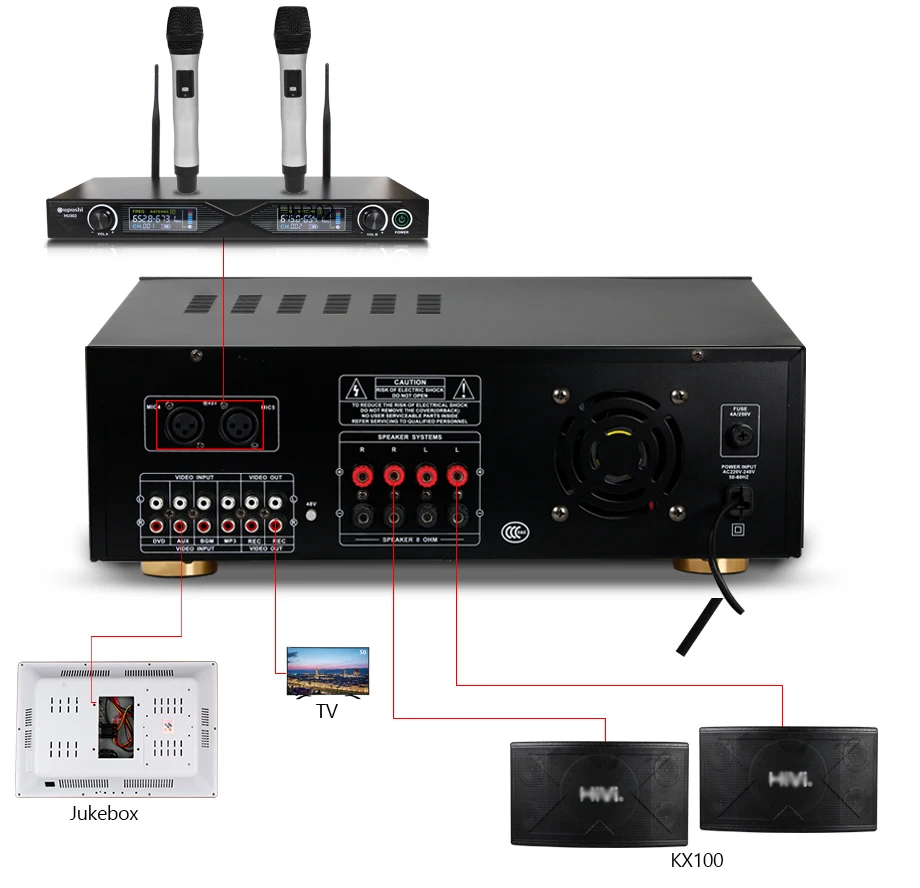
1)Check the audio interface and video interface, especially whether the audio input and output of the set-top box is connected or not
2)If the wiring is normal, it may be the data line itself (wet, damaged, strong interference, etc.), please replace the new data line investigation